
The GTA 6 song
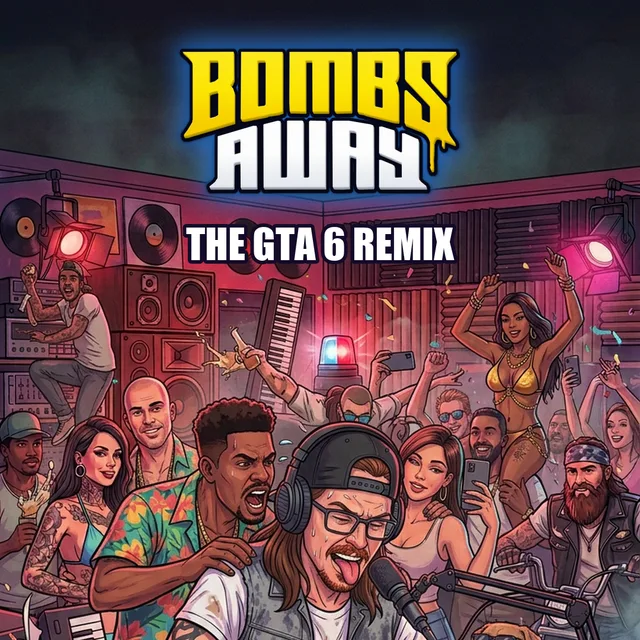
- Why now: GTA 6 came out Thu 19 Nov; "GTA 6 song" searches are at their highest ever (Google Trends, Sun 22 Nov).
- The song: Justice, "Flower in a Hurricane".
- The idea: build it from scratch in FL Studio, on camera.
- What works: from-scratch builds get the views (shonci's "making a GTA 6 beat", 145k in a month); club remixes of the Justice song, hundreds so far.
- Your notes: the box at the top of the plan doc below.
- The course: 10 short lessons of 3 to 6 minutes. The finished track first, then drums, bass, chords, the hook, the pump and filter, arrangement, mix, and a "your turn" task.
- The project file and stems free inside the Skool, so there's a reason to join.
- Clips: 20 to 35 seconds, opening on the drop, titled "GTA 6 song" and "GTA 6 beat" (the words people search). Cut from the same edit, ending with your "come check it out" line.
- Getting it seen: boost whichever clip does best on its own, and run a "GTA 6 song challenge" where members post their versions and you give live feedback.
Lesson 1: the first 3 minutes
Updated Fri 20 Nov: your camera's picture runs about a quarter of a second behind its sound, so we've lined your voice up with your mouth in this cut, and every cut from here gets the same fix.
Templates - Photoshop files
These are the graphics from the lesson video as Photoshop files. Every line of text is live type, so you can change the words. The glows and photos are picture layers.
- Intro sweeperThe opening title card, "FL STUDIO COURSE" and "FROM BASICS TO BANGERS". 13.2 MBDownload
- Name plate and corner logoThe "TOM COLEMAN, BOMBS AWAY" strip shown while Tom talks to camera. 26.7 MBDownload
- Chapter cardChapter number, chapter name and course name. 16.8 MBDownload
- Lesson screenThe face box, the lesson name strip and the progress bar. 13.3 MBDownload
- Zoom call-outThe enlarged panel, its outline, lines and label. 19.4 MBDownload
The text uses the free Bebas Neue font. If Photoshop asks for it, turn it on in Adobe Fonts (fonts.adobe.com/fonts/bebas-neue) or download it free from Google Fonts (fonts.google.com/specimen/Bebas+Neue).
Each week
- Tuesday: record one course straight through.
- By Friday: upload it to that course's "1 Raw video - upload here" folder.
- We edit it into lessons.
Done so far
- Copied your footage: 162 GB, three projects. Originals untouched.
- Synced camera and screen by audio.
- Cleaned up your voice.
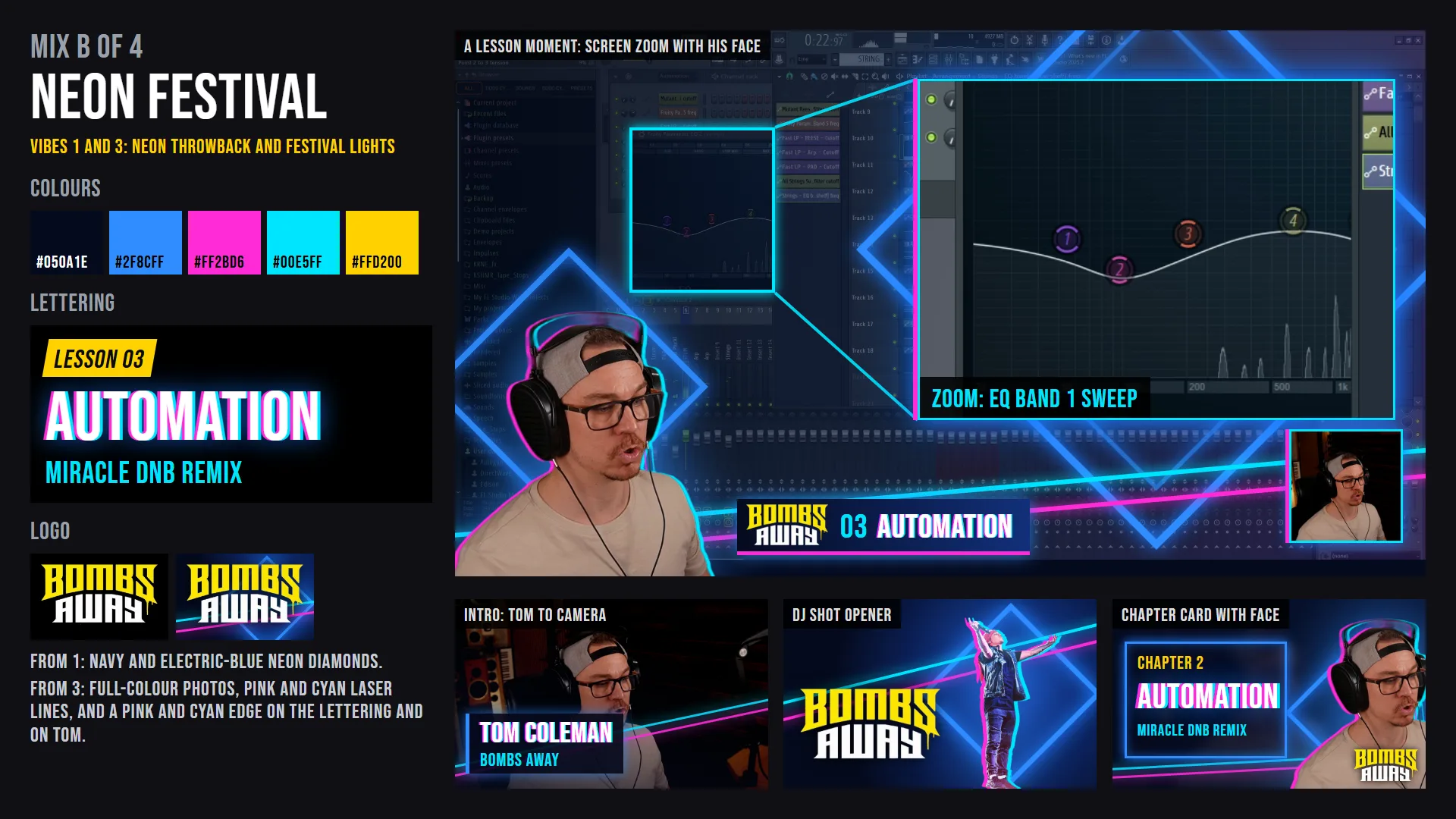
- Found the look: Neon Festival, and cut the first 3 minutes of lesson 1 in it (above).
- Read your 17 Skool docs and your Miro map.
- Went through your Skool lesson by lesson.
- Researched Skool and 9 paid music groups.
- A calendar, a doc and a folder for every course.
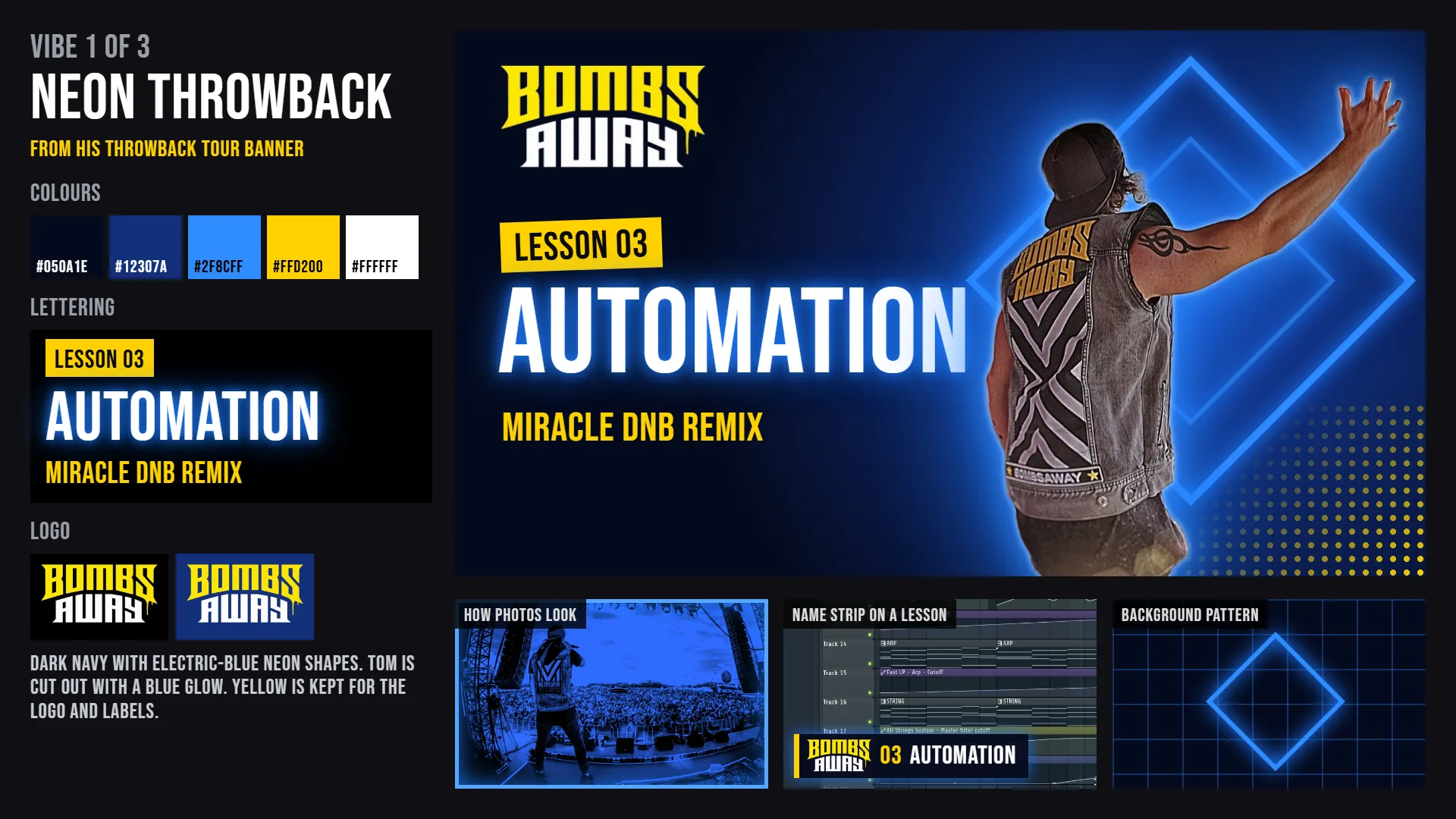
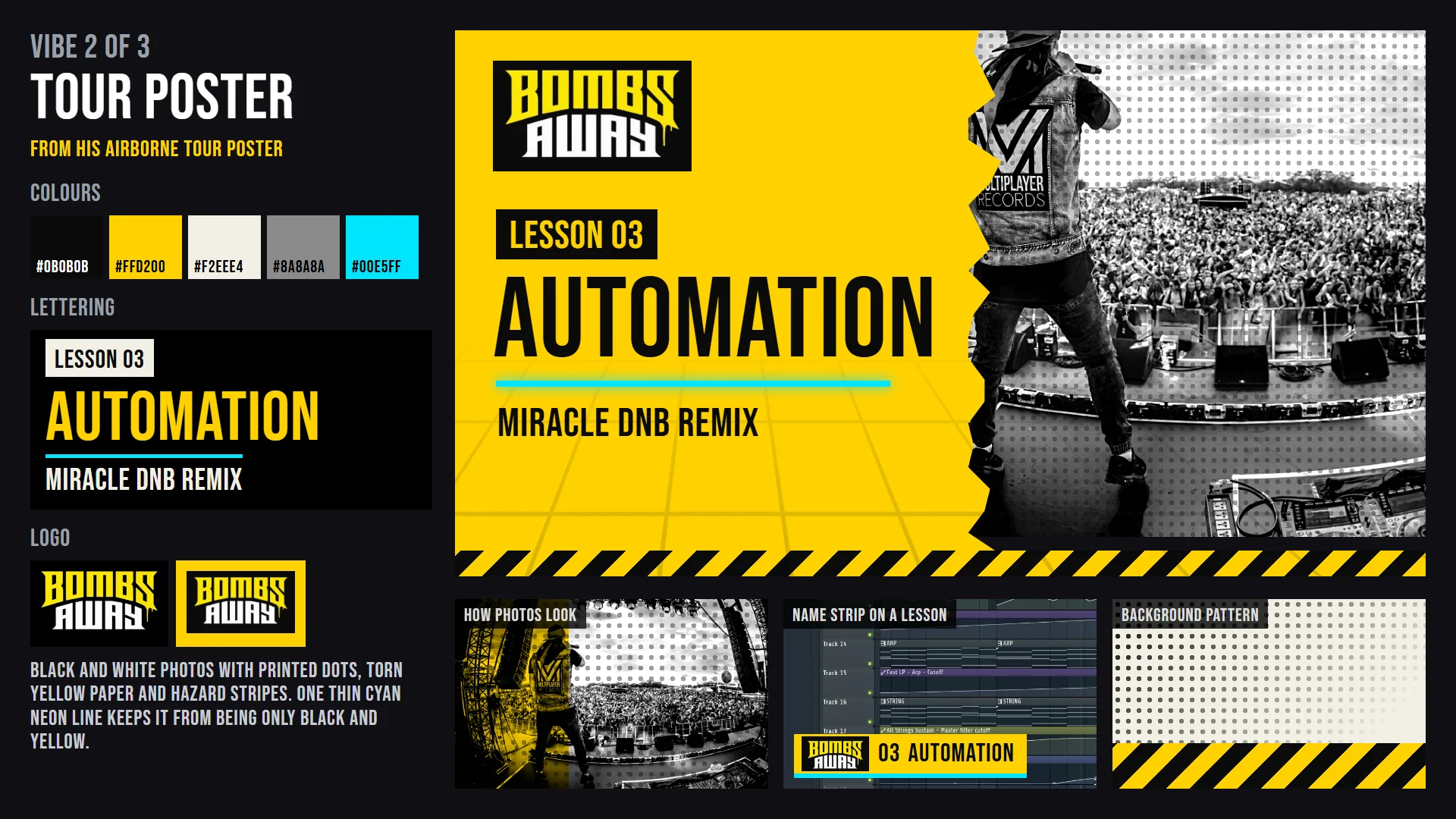
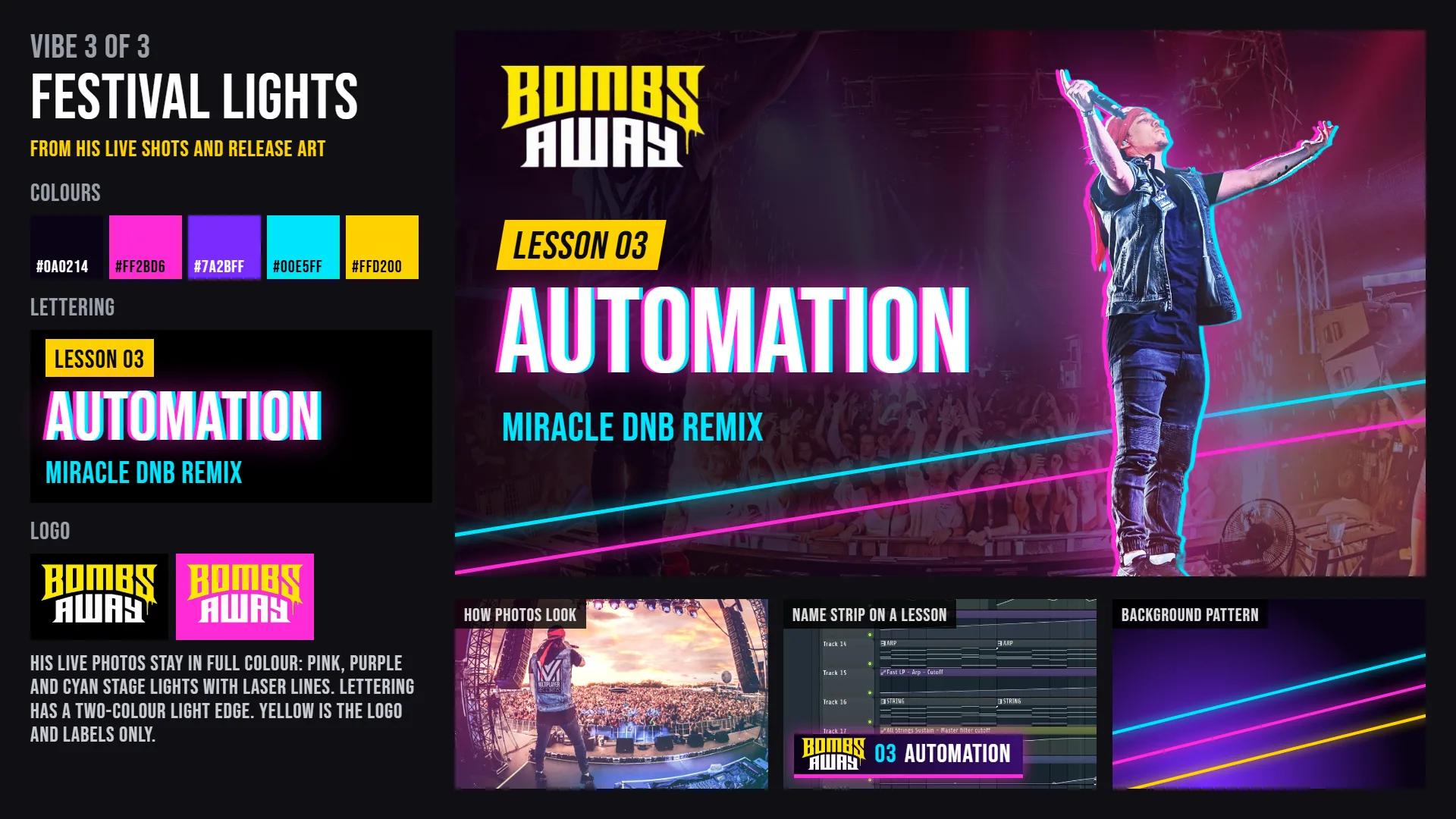
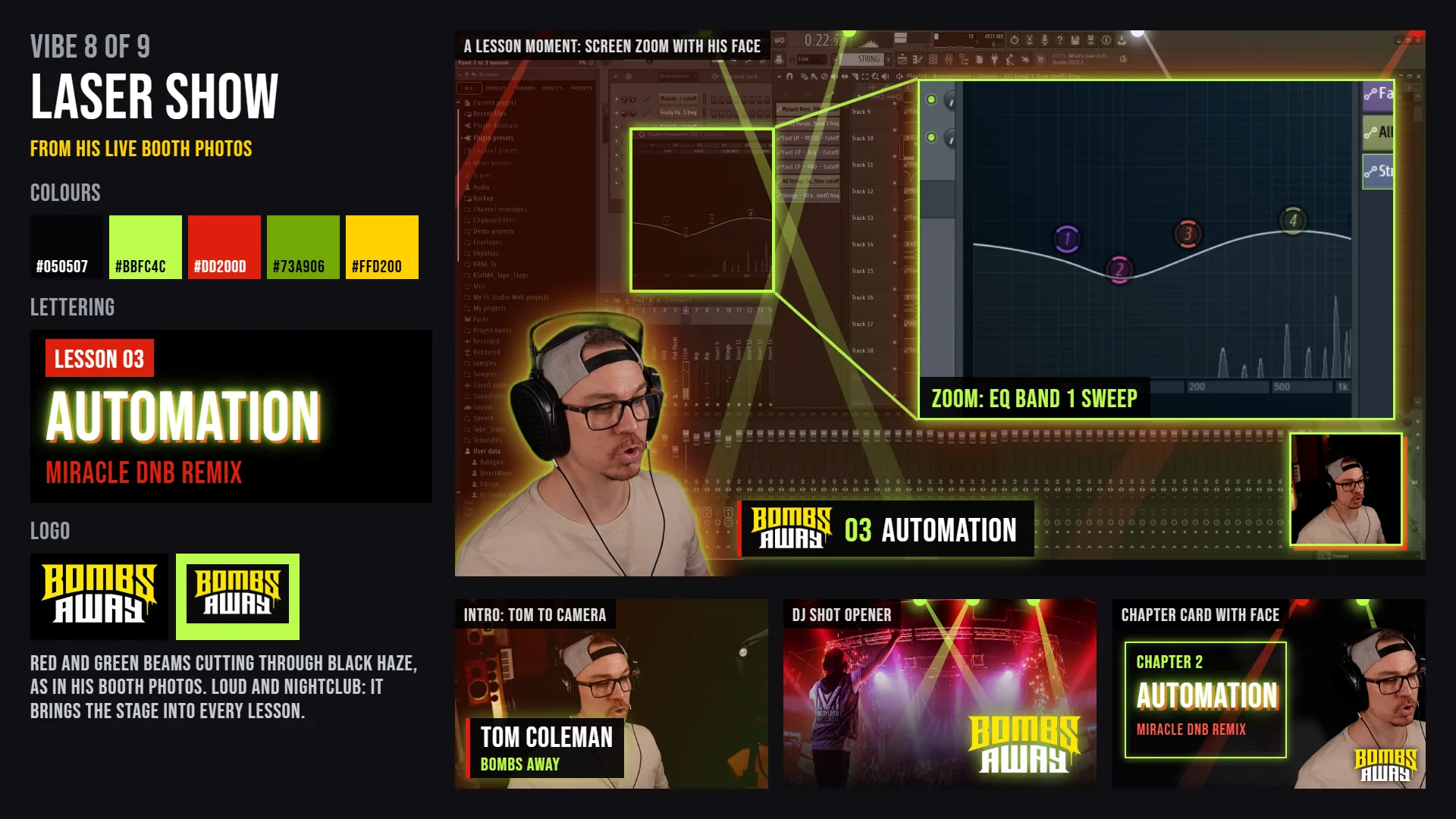
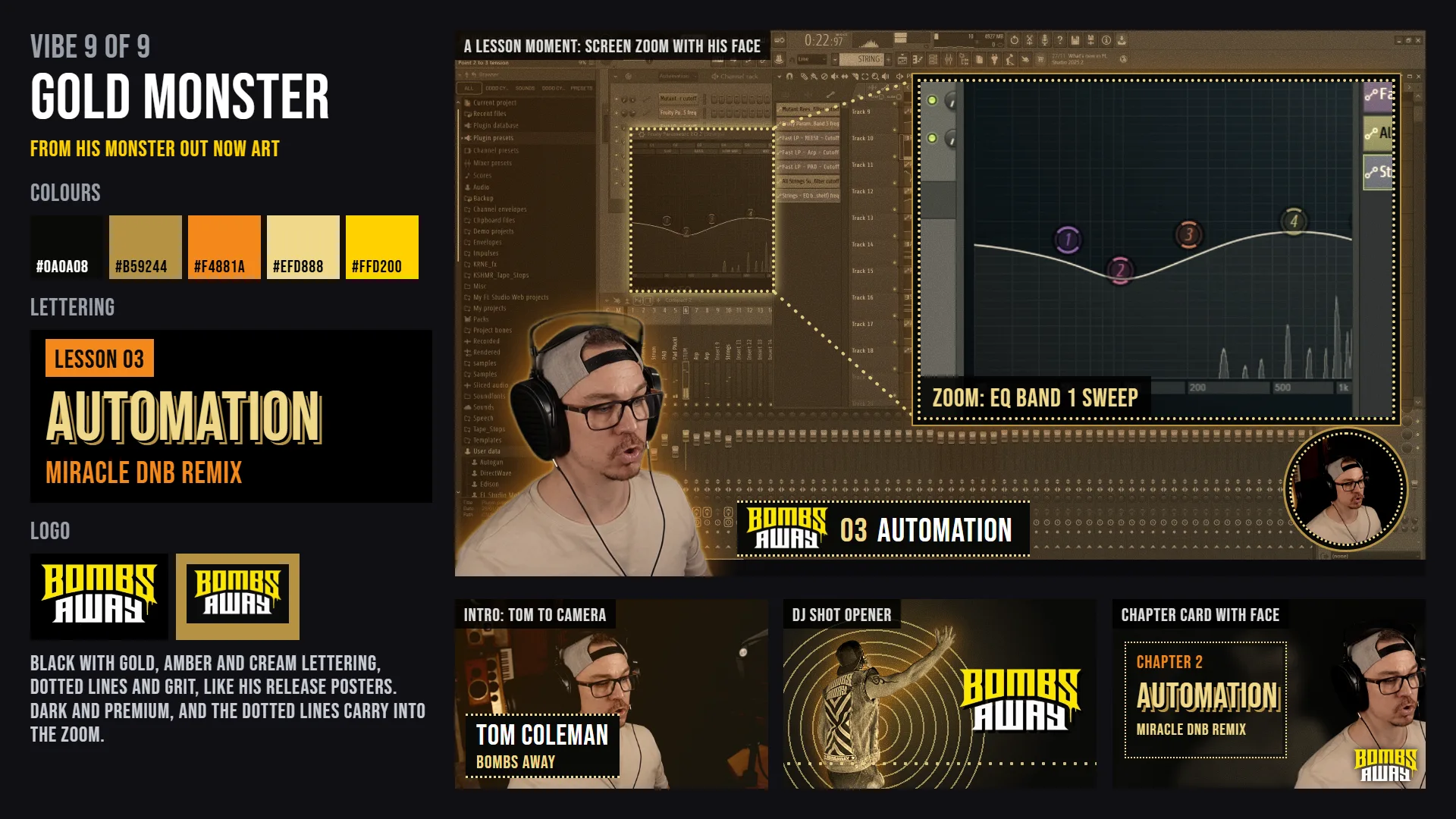
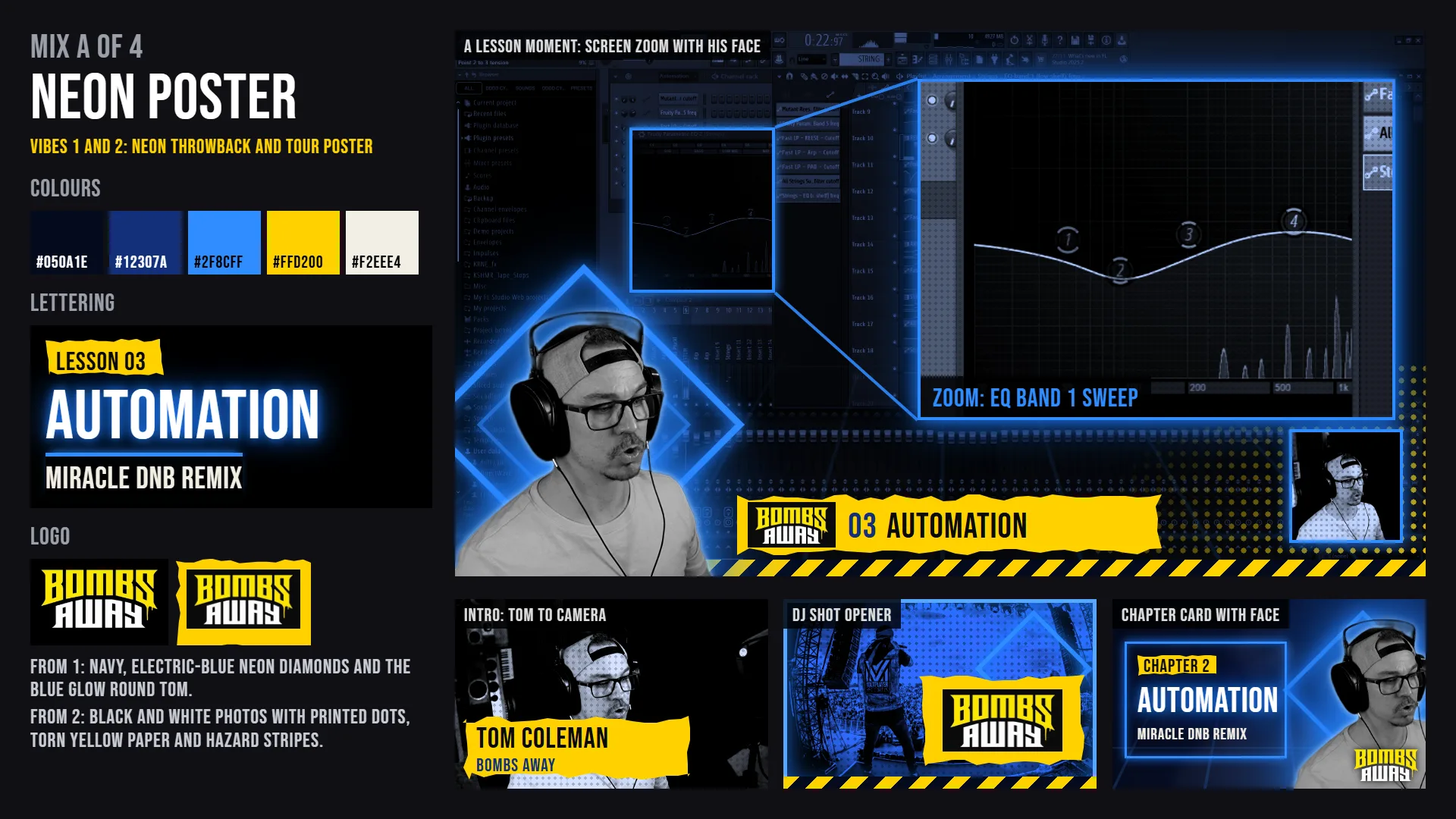
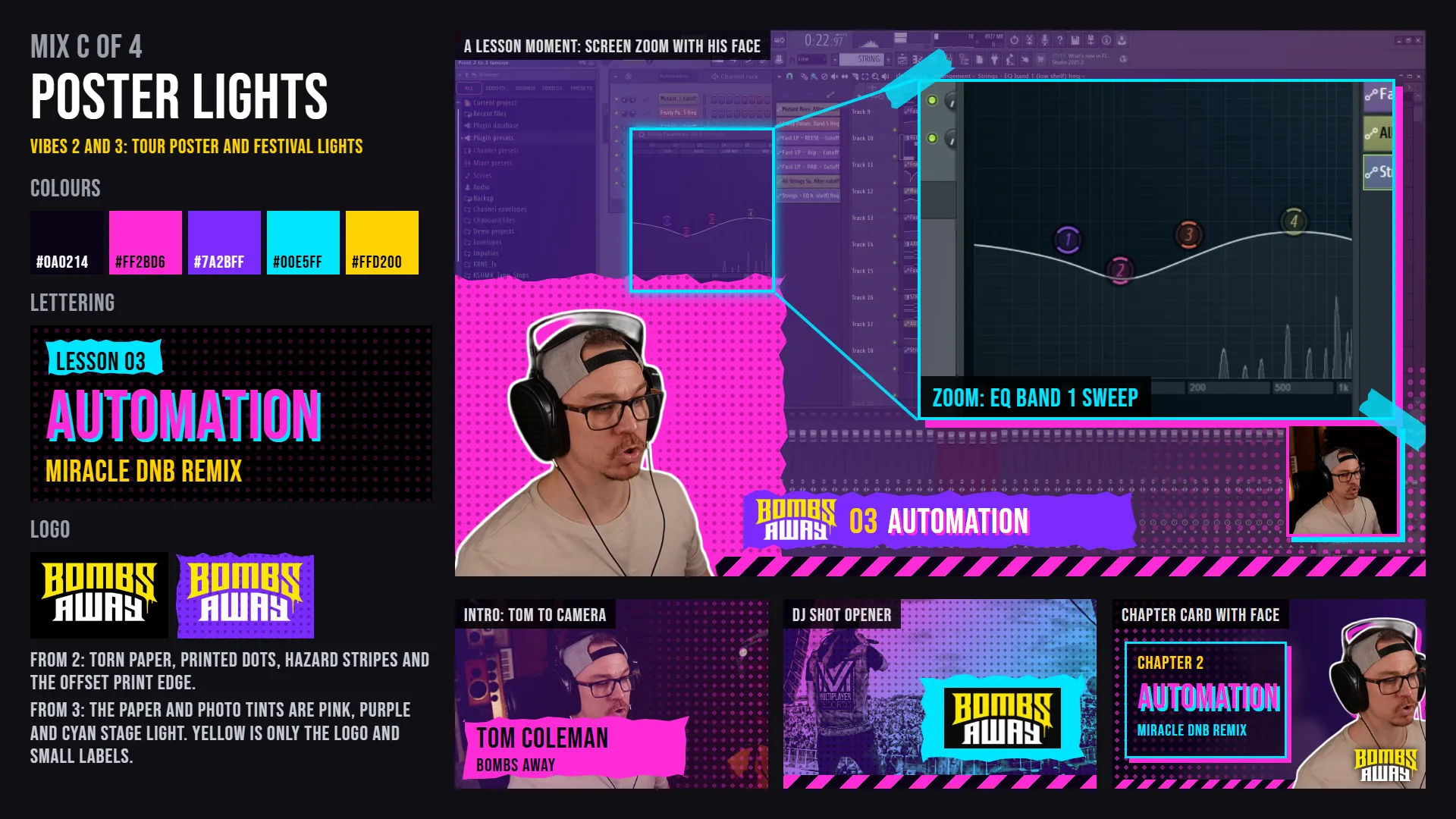
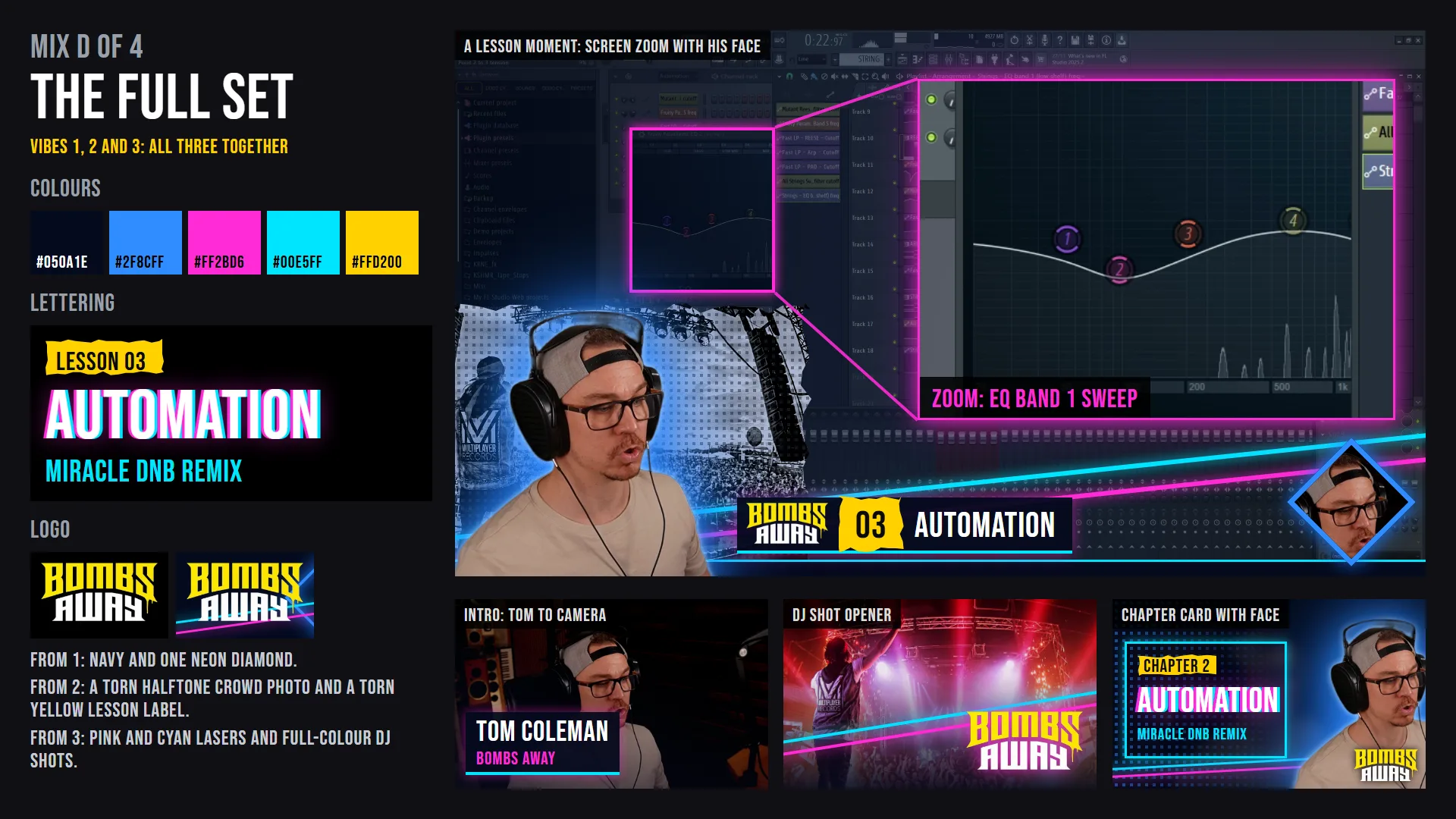
Colour schemes we tried
Nine looks, then four mixes of the best. Tap one to see it full size.
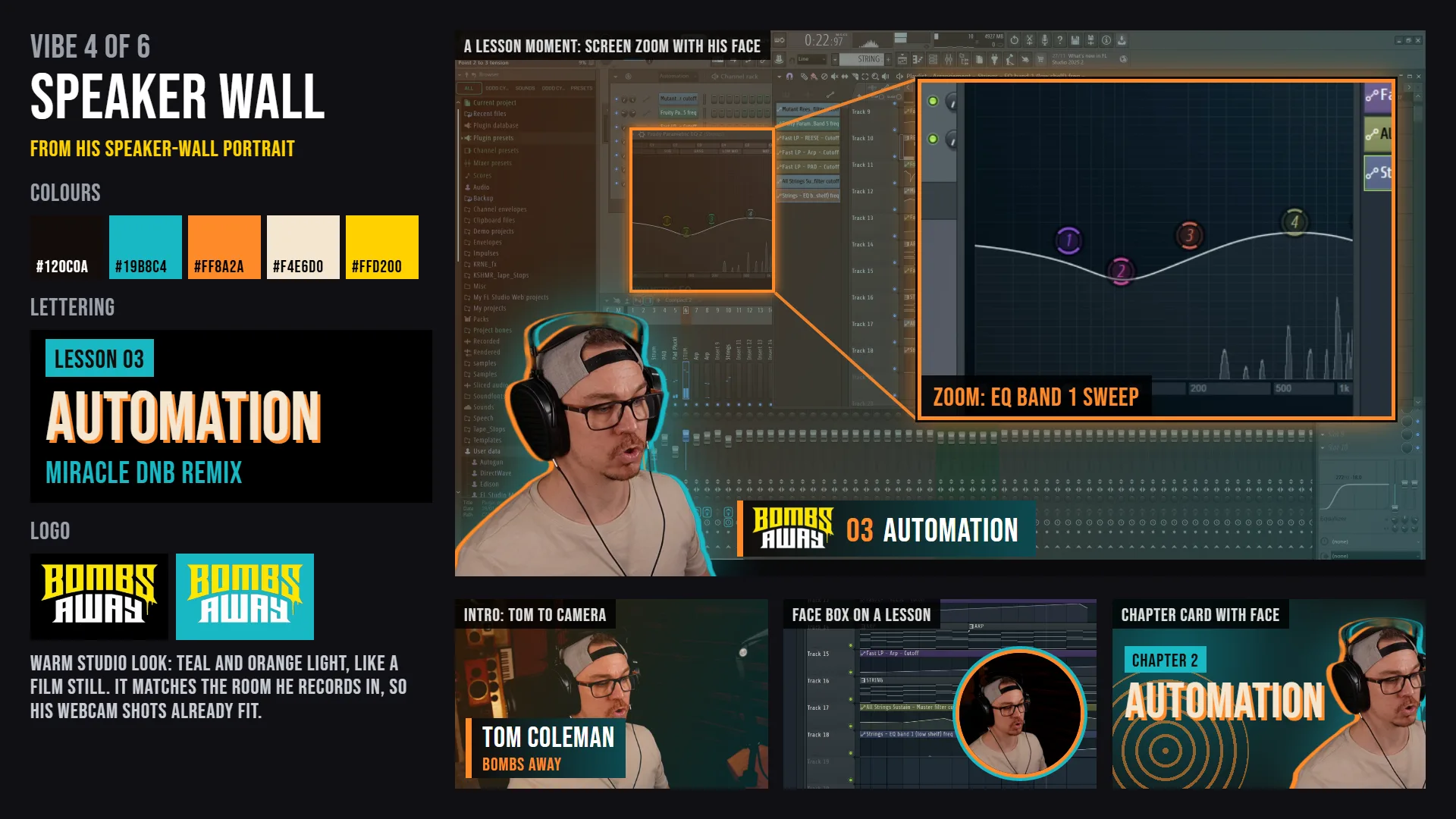
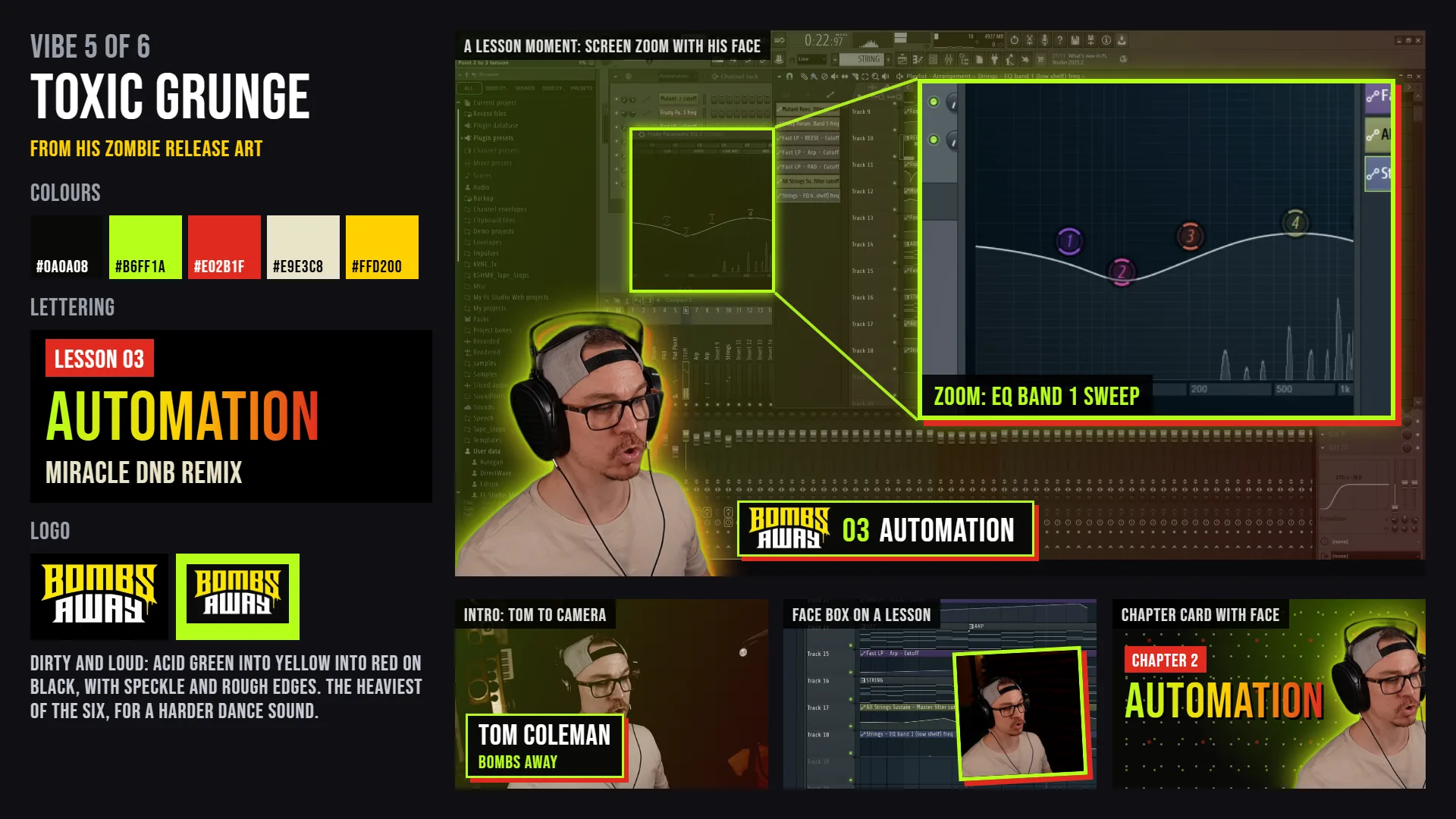
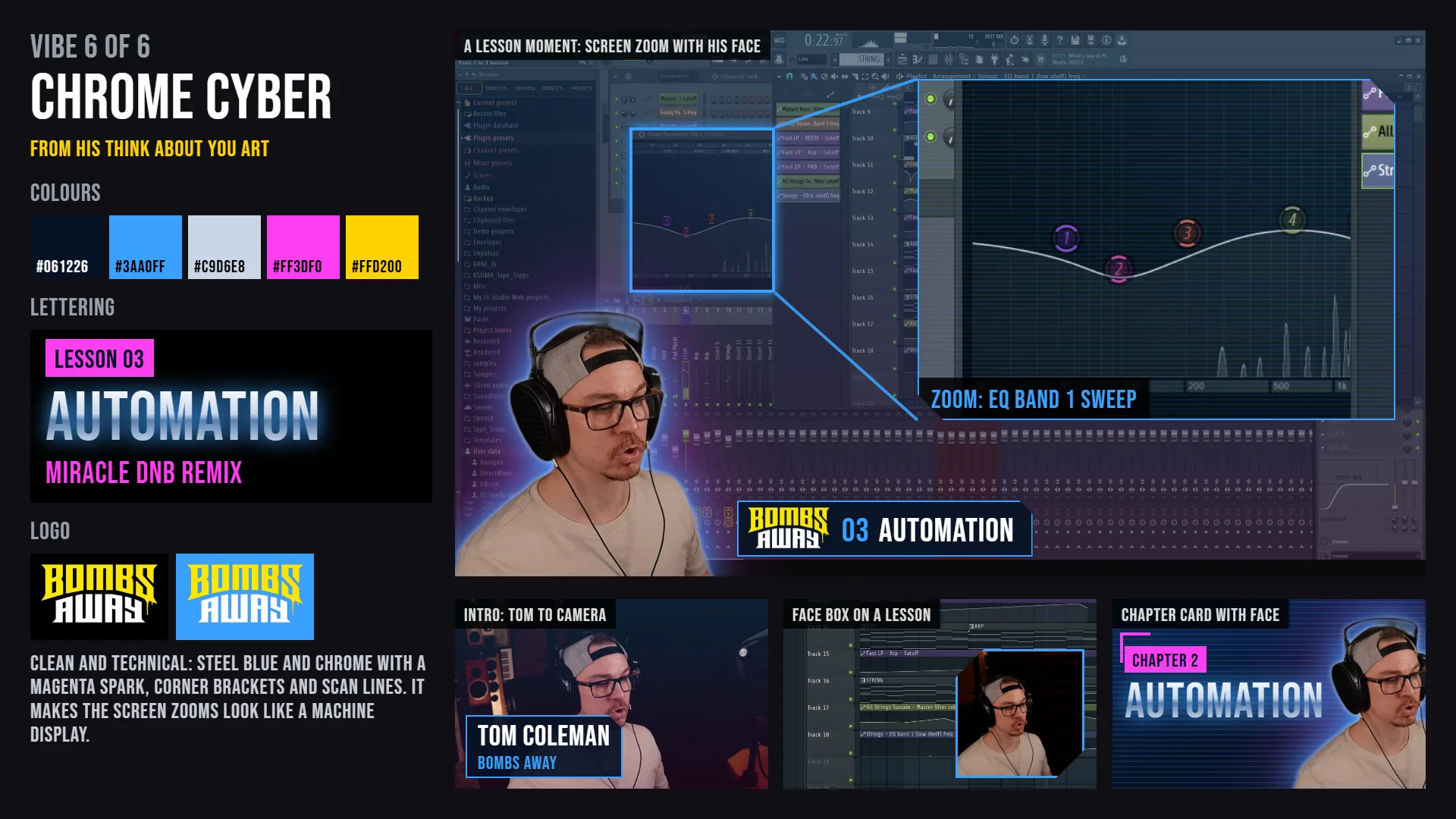
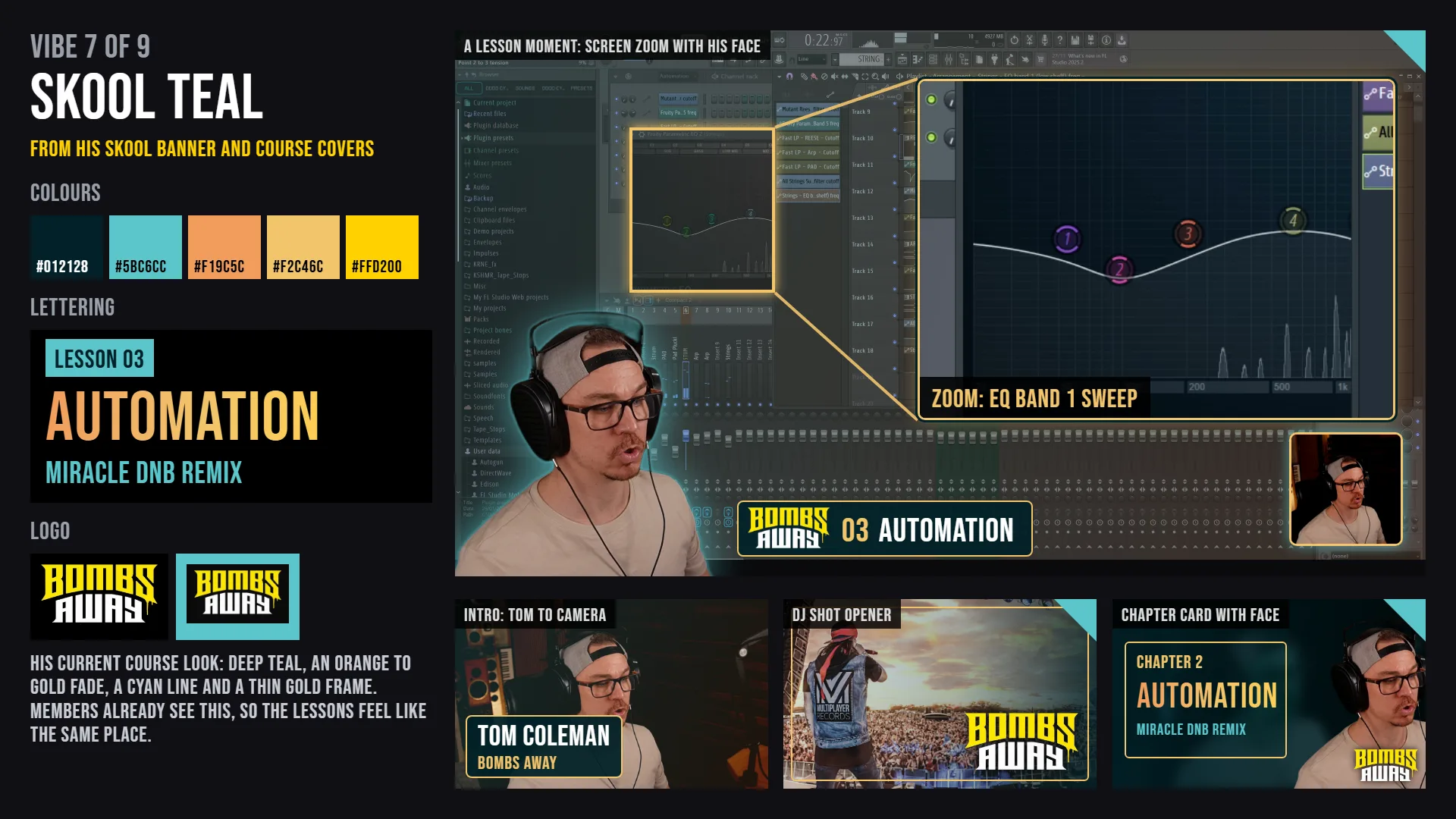
The courses
Not a final list. So far we've mainly worked on the video template; these are ideas to go through together.
- 1Putting it TogetherTue 24 NovGoogle Doc
- 2Sample Packs and PresetsTue 1 DecGoogle Doc
- 3Advanced FL StudioGoogle Doc
- 4Drums and RhythmGoogle Doc
- 5Sound DesignGoogle Doc
- 6Arrangement and Reference TracksGoogle Doc
- 7MixingGoogle Doc
- 8MasteringGoogle Doc
- 9Creativity and WorkflowGoogle Doc
- 10VocalsGoogle Doc
- 11Genre SongsGoogle Doc
- 12Meme RemixesGoogle Doc
- 13Music Production 101Start here if you've never made a trackGoogle Doc
- 14Record LabelsDemos, getting signed, what a deal meansGoogle Doc
- 15Working with VocalistsFinding, briefing and mixing singersGoogle Doc
- 16Finish ItOne track from idea to masterGoogle Doc
- 17Release and PromoteSpotify, royalties, clips, playlistsGoogle Doc
- 18Make Money From ProductionPacks, remixes, ghost production, syncGoogle Doc
- 19Collabs and Remix SwapsWorking with other producersGoogle Doc
- 20Studio on a BudgetWhat to buy and what to skipGoogle Doc
- 21Live Track FeedbackMembers send tracks, you fix them liveGoogle Doc
From footage you already have
On your Skool now
- Introduction: done.
- FL Studio Basics: 24 lessons.
- Effects V2: 8 lessons.
- Putting it Together, Sample Packs, Miracle: empty for now.
Your socials
Short clips from each lesson, pointing to the free Skool.
What we looked at
We had a good dig through Skool, a heap of other paid music groups and your socials. Two things stood out: your reach is massive next to anyone running one of these, and the groups that grow give members time with a real person, not just more videos.
TBC